Natural surface wear
Create fine scratches, scuffs, and distressed marks that follow the photograph.
For legitimate business, creative, and educational use only. Prohibited for fraudulent purposes. See our Terms of Service
AI scratch effect
Create realistic image damage by turning a clean photo into a naturally worn, scratched photograph—no overlays or Photoshop required.
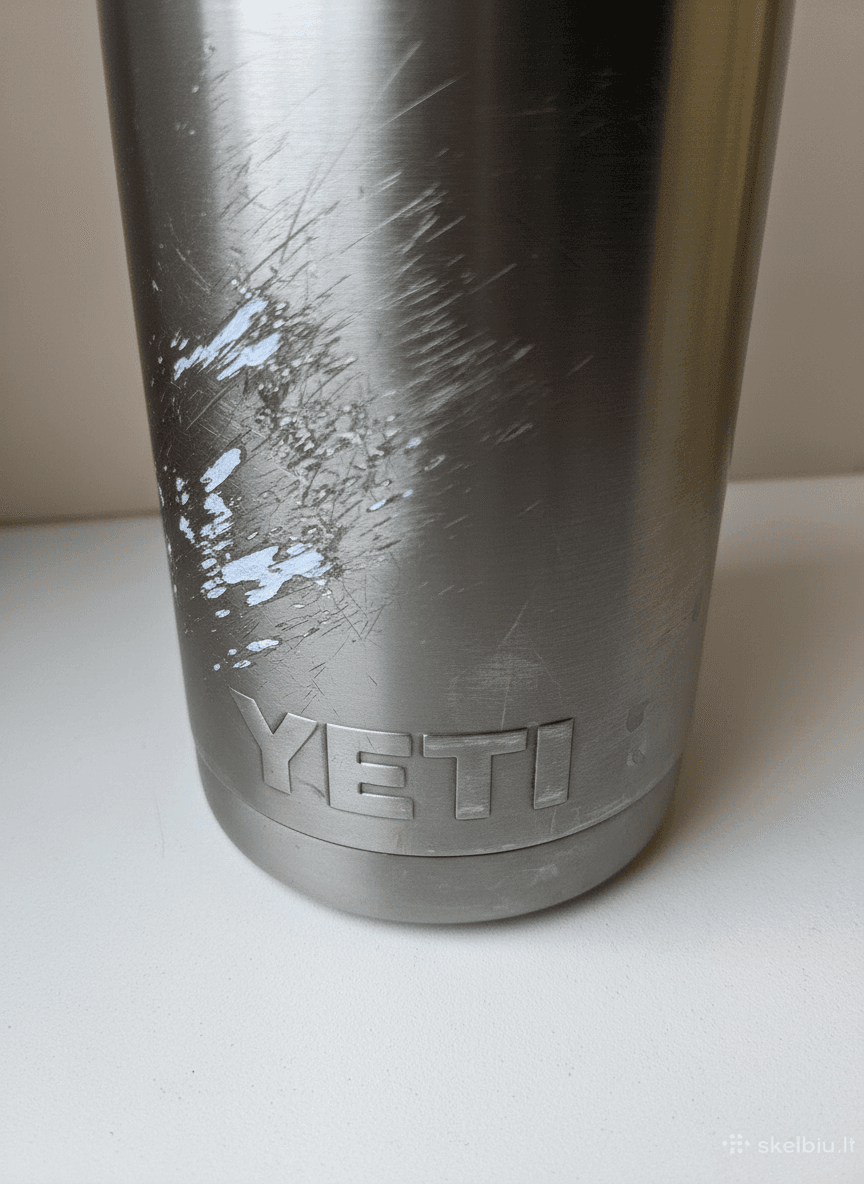
AI-generated damage preview
A generated treatment adapts to your photo, giving you a more cohesive result than placing the same texture over every file.
Create fine scratches, scuffs, and distressed marks that follow the photograph.
Choose subtle aging or push the image toward heavy, dramatic destruction.
The source composition stays recognizable while realistic damage is added.
Upload JPG, PNG, or WebP files and preview the transformed result online.
Choose up to three JPG, PNG, or WebP photos from your device.
Select an intensity from restrained wear to dramatic destruction.
Review the watermarked results, then get the clean high-resolution files.
Upload your photo, choose a damage intensity, and let DamageMaker AI generate a scratched version for you.
Yes. Lower intensity creates restrained wear, while higher settings add more obvious scratches and distress.
No. The scratch effect is generated online, so no editing software or manual texture work is needed.
Create a free preview in seconds. Use DamageMaker only for lawful creative, entertainment, and design purposes.
Upload a photo