Physical character
Suggest ripped edges, folds, surface breaks, and distressed paper texture.
For legitimate business, creative, and educational use only. Prohibited for fraudulent purposes. See our Terms of Service
AI torn-paper effect
Give an image the physical character of torn paper, distressed edges, creases, and rough handling for creative compositions.
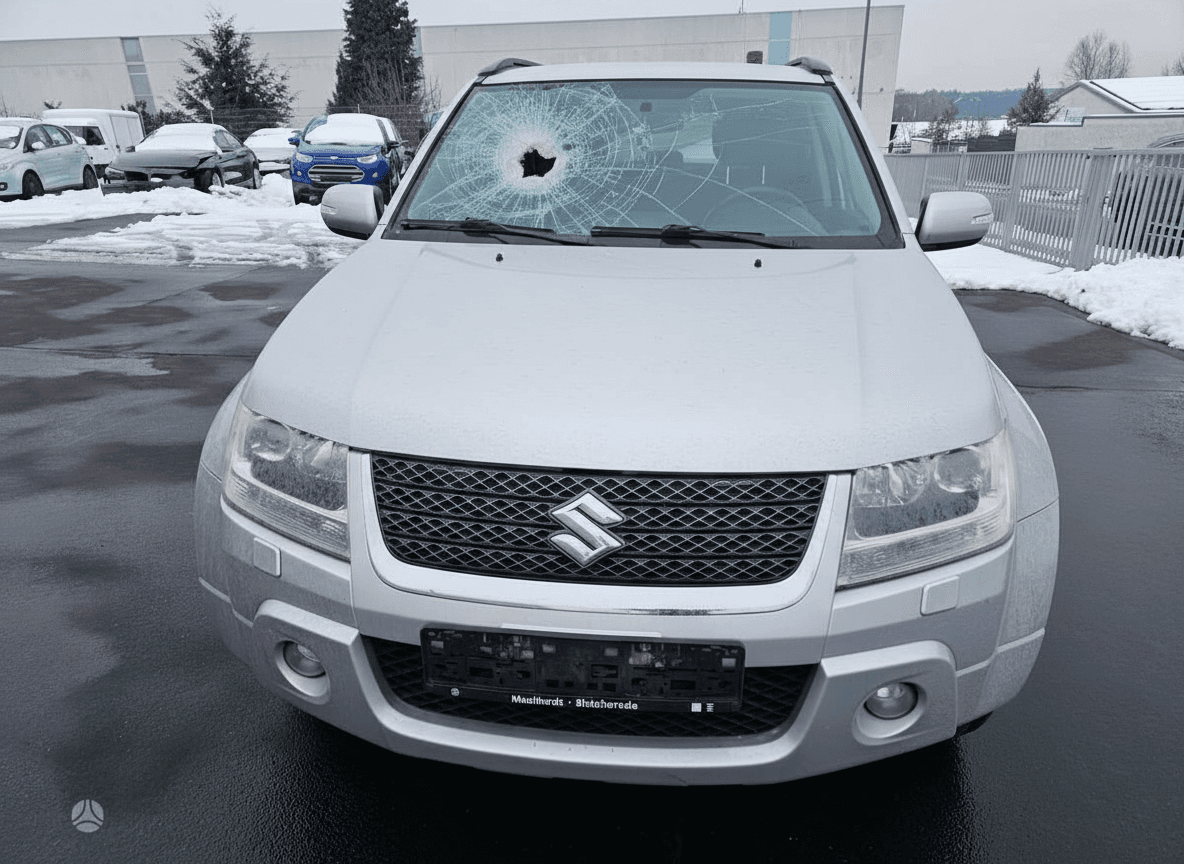
AI-generated damage preview
A generated treatment adapts to your photo, giving you a more cohesive result than placing the same texture over every file.
Suggest ripped edges, folds, surface breaks, and distressed paper texture.
The generated damage adapts to the source instead of relying on one stock frame.
Use the effect for collages, editorial artwork, music visuals, or cinematic props.
Try different intensity levels without manually rebuilding the effect.
Choose up to three JPG, PNG, or WebP photos from your device.
Select an intensity from restrained wear to dramatic destruction.
Review the watermarked results, then get the clean high-resolution files.
Upload your image, select the preferred damage intensity, and generate a distressed version with DamageMaker AI.
It generates damage from the uploaded image, giving each result more variation than a fixed template.
Yes. Torn and distressed results are well suited to poster, collage, editorial, and album-art concepts.
Create a free preview in seconds. Use DamageMaker only for lawful creative, entertainment, and design purposes.
Upload a photo